PV Winzone InstaPay Withdrawal: Bank Transfer Guide and Fees
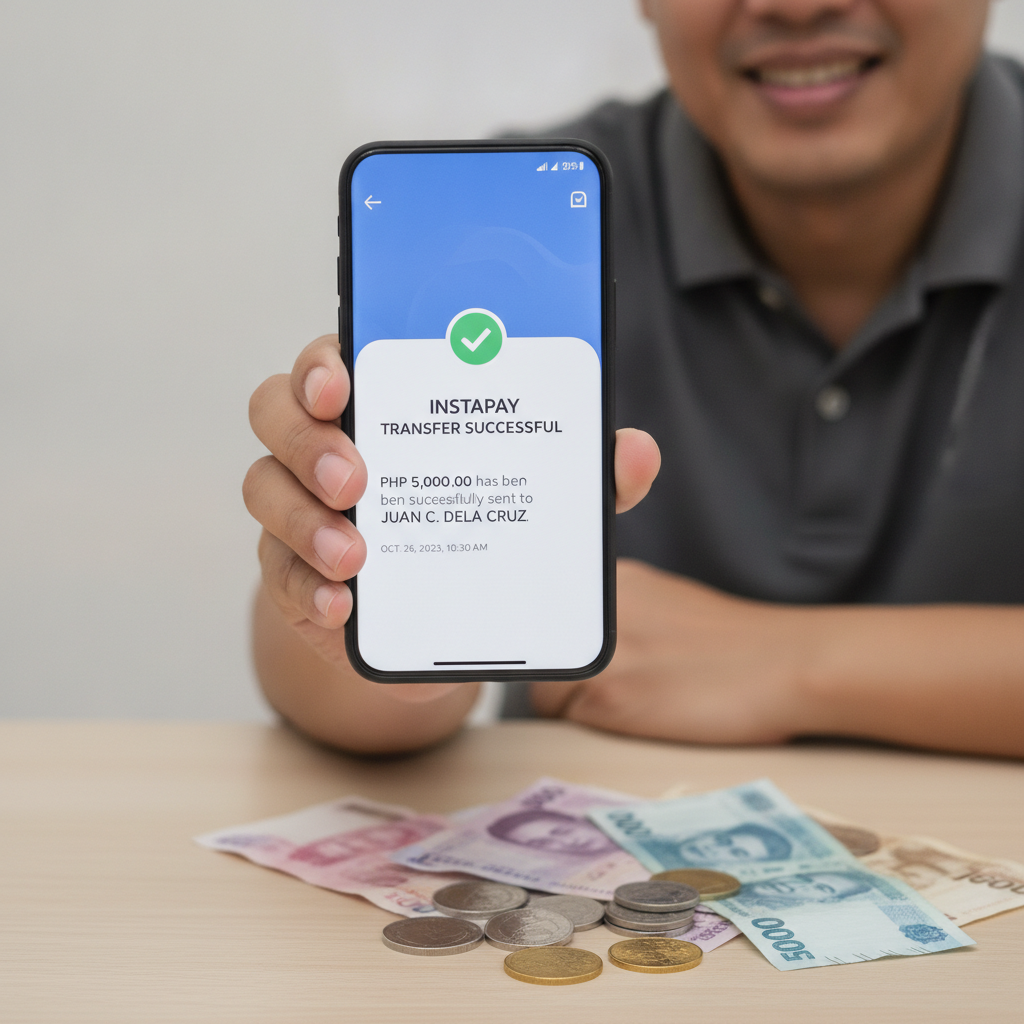
How to Link Your Philippine Bank Account for InstaPay Cashouts
Before requesting a PV Winzone withdrawal through InstaPay, you need to add your bank account details to your player profile. Log in to PV Winzone on your mobile browser or app, then tap the profile or account settings icon—usually labeled "My Account" or "Wallet."
Look for a section called "Bank Accounts," "Withdrawal Methods," or "Payment Settings." Tap "Add Bank Account" and select InstaPay as your transfer method. You'll be asked to enter:
- Full name (exactly as it appears on your bank account)
- Bank name (choose from the dropdown list of InstaPay-enabled banks)
- Account number (double-check this—wrong numbers will bounce or delay your cashout)
- Mobile number registered to your bank account
Some platforms also ask for a copy of your bank statement or a selfie holding your ATM card to verify ownership. Upload a clear photo if requested. PV Winzone typically processes account verification within a few hours to one business day. Once approved, your bank will appear in your saved withdrawal methods.
Keep your bank details current. If you change your phone number or account, update your PV Winzone profile immediately to avoid failed transfers.
Step-by-Step Process to Withdraw via InstaPay on PV Winzone
After your bank account is linked and verified, follow these steps to cash out your winnings through InstaPay:
- Log in to your PV Winzone account on your Android phone or mobile browser.
- Tap "Withdraw" or "Cashout" from the main menu or wallet section.
- Select InstaPay as your withdrawal method. If you have multiple banks saved, choose the account you want the money sent to.
- Enter the amount you wish to withdraw in Philippine pesos. Make sure it falls within the minimum and maximum limits (covered below).
- Review the details: double-check your bank name, account number, and withdrawal amount. Errors here can delay your money by one to two banking days.
- Confirm the transaction. Some platforms require you to enter your password, PIN, or a one-time code sent via SMS to your registered mobile number.
Once you submit, you'll see a confirmation screen with a reference or transaction ID. Save or screenshot this number—it's useful if you need to contact PV Winzone support about a delayed or missing cashout.
Your funds leave your PV Winzone balance immediately and move into "processing" status. You'll receive an SMS or in-app notification when the transfer is complete.
Processing Speed and Transfer Fees
InstaPay is designed for near-instant bank transfers in the Philippines. Most PV Winzone InstaPay withdrawals land in your account within a few minutes to two hours during banking hours (typically 8 a.m. to 5 p.m., Monday to Friday).
Transfers requested outside banking hours—late evenings, weekends, or public holidays—may be queued and processed the next business day morning. If you submit a cashout on Saturday night, expect it Monday morning.
Transfer fees vary by platform policy. PV Winzone may charge a flat fee per InstaPay withdrawal—commonly PHP 10 to PHP 15—or offer a certain number of free cashouts per month before fees apply. Check the withdrawal screen before confirming; the fee is usually displayed beside the amount you'll receive.
Some banks also charge a small receiving fee (PHP 5 or less) on their end, though most major Philippine banks waive InstaPay receiving fees for personal accounts. Check your bank's fee schedule if you notice small deductions.
For the fastest processing, withdraw during weekday mornings and ensure your PV Winzone account has passed all verification checks. Unverified accounts or first-time withdrawals to a new bank may take longer while the platform runs security reviews.
Supported Banks and Minimum/Maximum InstaPay Withdrawal Amounts
InstaPay connects hundreds of Philippine banks and e-wallets under a single real-time payment network. PV Winzone supports most major banks, including:
- BDO (Banco de Oro)
- BPI (Bank of the Philippine Islands)
- Metrobank
- UnionBank
- Security Bank
- Landbank
- PNB (Philippine National Bank)
- RCBC
- Chinabank
- EastWest Bank
If your bank isn't listed in the PV Winzone dropdown, it may not be InstaPay-enabled, or the platform might route it through PESONet instead (which takes one banking day). Contact PV Winzone support or check your bank's website to confirm InstaPay availability.
Minimum withdrawal: PV Winzone typically sets a minimum InstaPay cashout of PHP 100. This keeps transaction costs manageable and discourages micro-withdrawals that slow processing queues.
Maximum withdrawal: Daily limits usually range from PHP 10,000 to PHP 50,000 per InstaPay transaction, depending on your account status and verification level. Higher VIP tiers or fully verified accounts may enjoy raised limits. If you need to withdraw more, you can split it across multiple days or choose PESONet for larger sums (which often has higher per-transaction caps but slower processing).
Always check the current limits on the withdrawal screen—they can change based on regulatory updates or platform policy.
Common InstaPay Withdrawal Issues and How to Fix Them
Pending cashout for more than four hours: Log in and check your transaction history. If the status still says "processing," contact PV Winzone live chat with your transaction ID. The delay might be a weekend hold or a verification flag on your account.
"Insufficient balance" error: You may have active wagering requirements on a bonus, or part of your balance is locked in an open bet. Check your bonus terms or cancel pending sports bets if you need the funds released.
Bank account mismatch: If your name on PV Winzone doesn't exactly match your bank records—middle initials, spacing, or married versus maiden name—the transfer can bounce. Update your profile or contact support to correct it.
InstaPay option missing: Your account may not be fully verified, or your bank might not be in PV Winzone's network. Try adding a different bank or use GCash/Maya as an alternative cashout method.
Funds returned to PV Winzone wallet: This happens when the receiving bank rejects the transfer due to a closed account, wrong account number, or name mismatch. Double-check your saved bank details and resubmit.
For any issue lasting more than one business day, reach out to PV Winzone customer support through live chat or the contact form in your account dashboard. Have your transaction ID, registered mobile number, and account username ready.
21+ Only and Responsible Gambling Reminder
PV Winzone is intended for players aged 21 and over. Online betting and casino play carry financial risk. Set a budget before you deposit, and never withdraw bill money or savings you can't afford to lose. If you feel your play is becoming a problem, use PV Winzone's self-exclusion or deposit-limit tools, or contact the National Center for Mental Health (NCMH) Philippines for confidential support.
Gamble responsibly. Withdraw your winnings when you're ahead, and take regular breaks from betting.
This guide is provided for informational purposes by an independent publication. PV Winzone is a third-party platform; always verify current withdrawal policies, fees, and limits directly on the PV Winzone site or with their support team.