PV Winzone GCash Withdrawal: Step-by-Step Guide and Processing Time
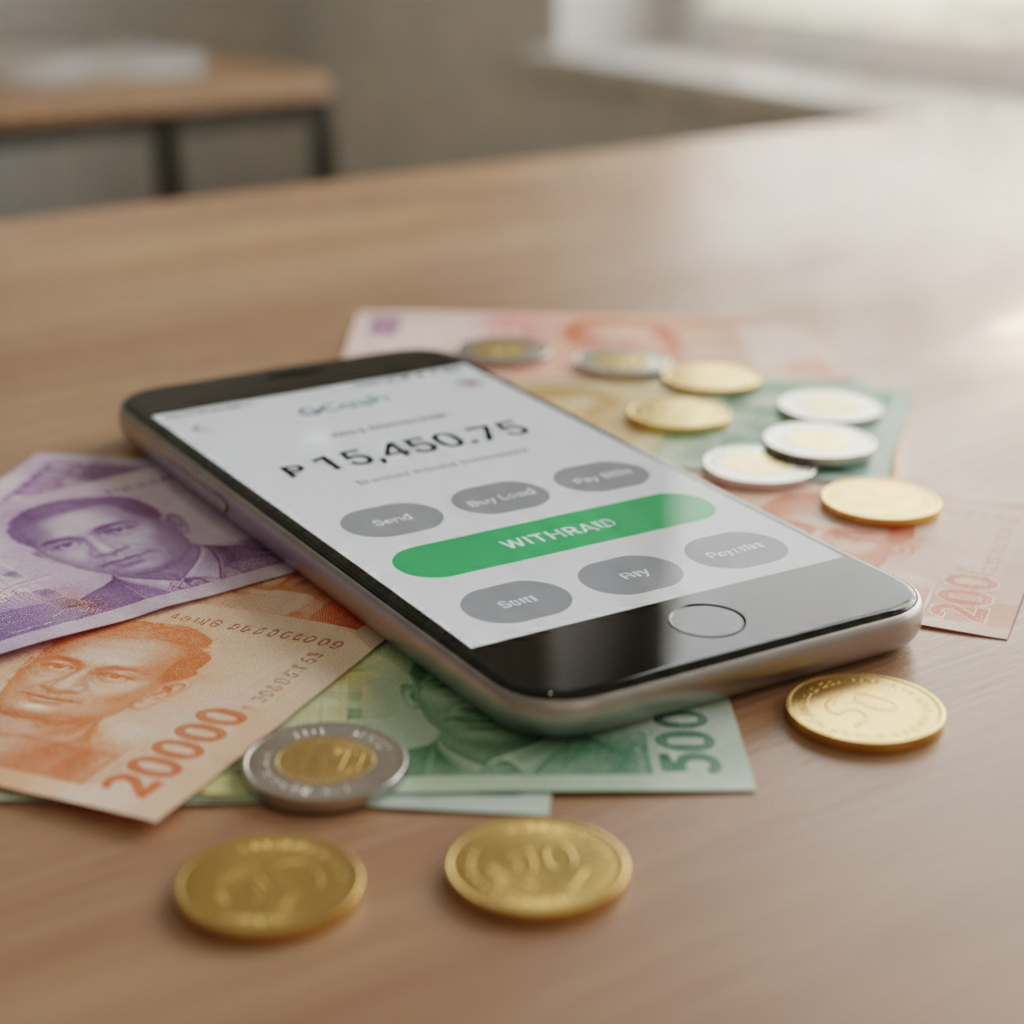
How to Request a GCash Cashout from Your PV Winzone Balance
Withdrawing your winnings from PV Winzone to GCash is one of the fastest ways to move money back into your e-wallet. Before starting, make sure your GCash account is verified and the mobile number linked to GCash matches the number on file with PV Winzone. Mismatched details are the most common reason cashouts fail.
Log in to your PV Winzone account on your mobile browser or app. Tap the Withdraw or Cashout button, usually found in the account menu or wallet section. Select GCash from the list of withdrawal methods.
Enter the amount you want to withdraw. The platform will show your available balance and the minimum and maximum withdrawal limits. Most players report a minimum GCash withdrawal of PHP 100 and a maximum of PHP 50,000 per transaction, though these figures can vary based on account status or promotions.
Type in your GCash-registered mobile number carefully. Double-check the digits—if the number is wrong, the funds may be delayed or sent to the wrong account, and reversing the transaction can take days.
Review the details on the confirmation screen. Once you submit, PV Winzone will process the request. You should receive a confirmation message or email with a transaction reference number. Keep this for your records in case you need to follow up with customer support.
Typical Processing Times and Daily/Weekly Withdrawal Limits
GCash withdrawals from PV Winzone are usually processed within 15 minutes to 2 hours during business hours. Requests submitted late at night or on weekends may take longer—up to 24 hours—because the payment team works on a schedule.
If your cashout hasn't arrived after two hours, check your PV Winzone transaction history to see if the status shows "Processing," "Approved," or "Completed." A "Completed" status means the funds have left PV Winzone; if they haven't reached your GCash wallet, contact GCash support directly.
Daily limits typically sit at PHP 50,000 for GCash withdrawals, but this can be lower for newer accounts or accounts that have not completed full verification. Weekly limits are often around PHP 200,000, though VIP or high-roller players may negotiate higher caps with customer service.
If you try to withdraw more than your limit allows, the platform will reject the request or prompt you to lower the amount. Splitting a large cashout into multiple smaller transactions across several days is a common workaround, though it may trigger additional security checks.
Keep in mind that PV Winzone may ask for additional identity or address verification if you suddenly request significantly larger withdrawals than usual. This is standard anti-fraud practice.
Common Errors (Insufficient Balance, Unverified GCash Number) and Fixes
Insufficient Balance
This error appears when the amount you entered exceeds your withdrawable balance. Remember that any active bonus funds or funds tied to wagering requirements cannot be withdrawn until those conditions are met. Check your account dashboard for a breakdown of real balance versus bonus balance.
If you recently deposited and immediately tried to cash out without placing any bets, PV Winzone may flag the transaction as suspicious and block it. Most platforms require at least one rollover—meaning you need to wager the deposit amount once—before withdrawals are allowed. This is an anti-money-laundering measure.
Unverified or Mismatched GCash Number
If the GCash mobile number on your withdrawal request does not match the number registered in your PV Winzone account, the system will reject the cashout. To fix this, go to your account settings and confirm your registered mobile number. If it's wrong, update it, but be aware that PV Winzone may require you to submit a photo of your ID and a selfie for security before approving the change.
Also, check that your GCash account is fully verified. GCash has different verification tiers, and if your account is not verified, it may have lower receiving limits. A typical unverified GCash account can only receive up to PHP 8,000 per month. Upgrade to GCash Fully Verified to lift this cap.
Pending Verification or Document Requests
PV Winzone may pause your withdrawal and ask for proof of identity (government ID), proof of address (utility bill or bank statement), or a selfie holding your ID. This usually happens on your first cashout or when you request an unusually large amount. Submit clear, legible photos through the account verification section. Approval typically takes 24 to 48 hours.
Technical Errors or "Transaction Failed"
If you see a generic error message, try logging out and back in, clearing your browser cache, or switching from Wi-Fi to mobile data. Sometimes the issue is temporary server maintenance. If the problem persists, screenshot the error and contact PV Winzone support via live chat or the in-app help feature. Include your username and the transaction reference number.
Fees Charged by PV Winzone or GCash for Withdrawals
As of the most recent reports from players, PV Winzone does not charge a withdrawal fee for GCash cashouts. This makes GCash one of the most cost-effective options compared to bank transfers, which may carry processing fees.
GCash itself does not charge a fee to receive money into your wallet. However, if you plan to move funds from GCash into your bank account or use GCash to pay bills, those transactions may carry their own small fees depending on the service.
Be aware that currency conversion fees can apply if you somehow trigger an international transaction, though this is rare for purely domestic PV Winzone–GCash transfers. Always transact in Philippine pesos (PHP) to avoid unexpected charges.
Some players have reported that repeated withdrawals in a short period—such as five or more in a single day—can trigger a manual review, which may slow processing but does not usually add fees.
If you are ever charged an unexpected fee, check your PV Winzone transaction history and your GCash transaction record. Contact support with screenshots if something looks wrong. Transparent records help resolve disputes quickly.
Understanding Withdrawal Restrictions and Rollover Rules
Even if you have cash in your PV Winzone account, not all of it may be immediately withdrawable. Funds earned from bonuses, free spins, or promotional credits often come with wagering requirements (also called rollover or turnover). For example, a PHP 200 bonus with a 10× rollover means you must place PHP 2,000 in total bets before you can withdraw any winnings from that bonus.
Check the terms and conditions of any promotion you claimed. If you skip this step and try to cash out too early, PV Winzone may void the bonus and any associated winnings.
Deposit bonuses sometimes lock your deposit amount as well. In those cases, you cannot withdraw your own deposit until you complete the rollover. This can be confusing, so always read the fine print before opting into a promotion.
What to Do If Your GCash Withdrawal Is Delayed
If your cashout is stuck in "Processing" status for more than 24 hours, first check PV Winzone's official social media pages or website for any service announcements. Scheduled maintenance or payment-provider downtime can delay transfers.
Next, confirm that your GCash wallet has not hit its monthly receiving limit. Even if PV Winzone approves the withdrawal, GCash will reject it if your account ceiling is reached.
Contact PV Winzone customer support through live chat or the messaging feature in the app. Provide your username, the exact withdrawal amount, the date and time you requested the cashout, and your transaction reference number. Support can escalate the case to the payments team.
If PV Winzone confirms the money was sent but you still don't see it in GCash, reach out to GCash customer service at 2882 (if calling from a Globe or TM number) or through the GCash app's help center. Have your GCash-registered mobile number and the approximate date and amount ready.
Tips for Smooth and Fast GCash Cashouts
- Complete account verification early. Upload your ID and proof of address before you need to withdraw. This prevents last-minute delays.
- Use the same mobile number for both PV Winzone and GCash. Consistency speeds up processing and reduces errors.
- Withdraw during business hours (weekdays, 9 AM to 6 PM Manila time) for fastest approval.
- Keep withdrawal amounts within daily and weekly limits to avoid triggering manual reviews.
- Check your wagering progress before requesting a cashout, especially if you claimed a bonus.
- Save transaction receipts and reference numbers in case you need to file a support ticket.
Following these steps will help you get your money from PV Winzone into your GCash wallet as quickly as possible, with fewer headaches and support tickets.
21+ and Responsible Gambling Reminder
PV Winzone is strictly for players 21 years of age and older. Online gambling should be treated as entertainment, not a way to make money. Set a budget for deposits and withdrawals, and never chase losses. If you feel your gaming is becoming a problem, take a break or reach out to a responsible gambling helpline. Most platforms, including PV Winzone, offer self-exclusion and deposit-limit tools in account settings. Use them if needed.